How to Play
From version 1.10.0, the app asks how you like to play, then shows three short pages. Here they are, word for word. To see them again in the app, open Settings › Help & feedback › How to Play.
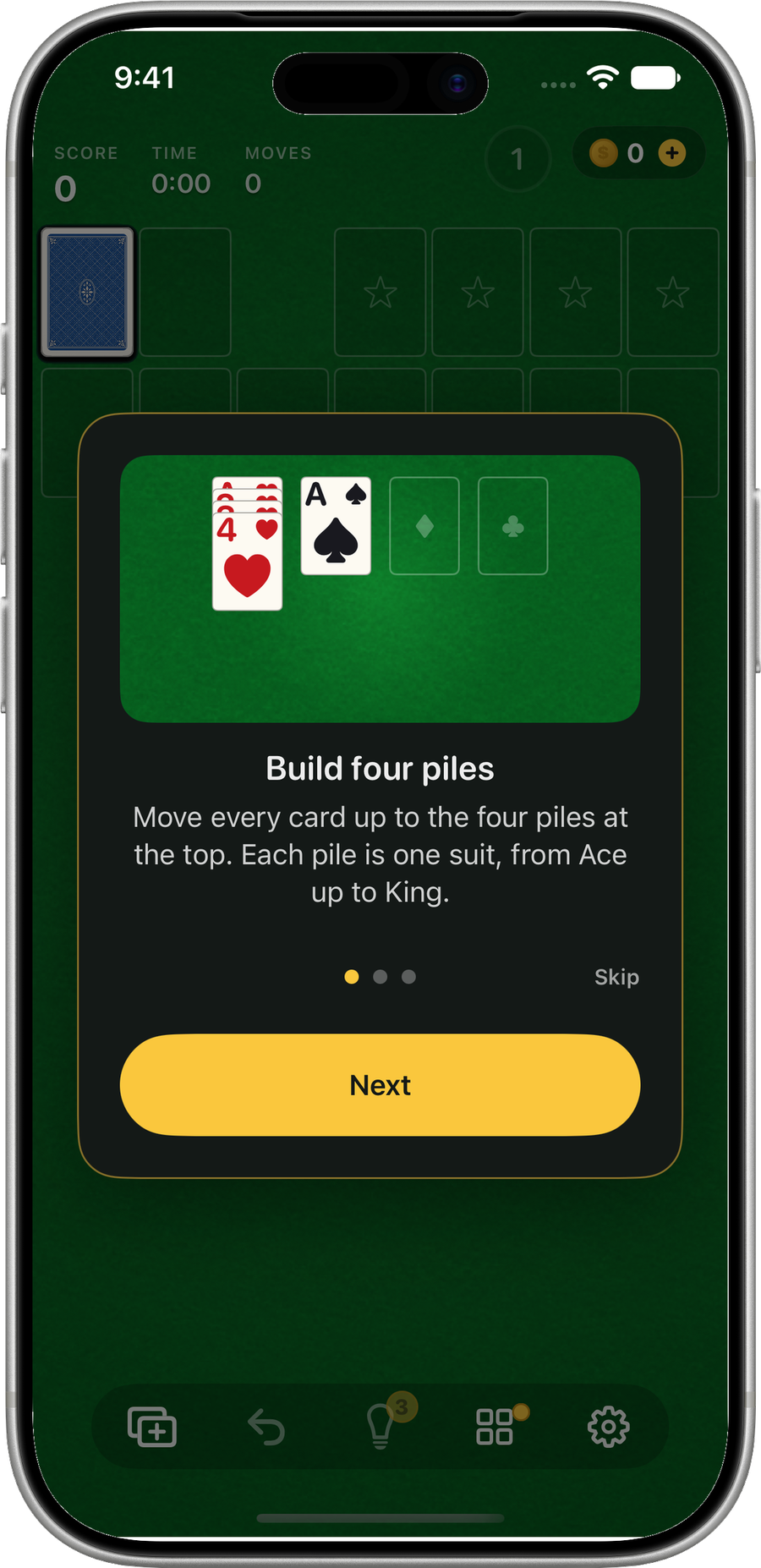
Page 1 of 3
Build four piles
Move every card up to the four piles at the top. Each pile is one suit, from Ace up to King.
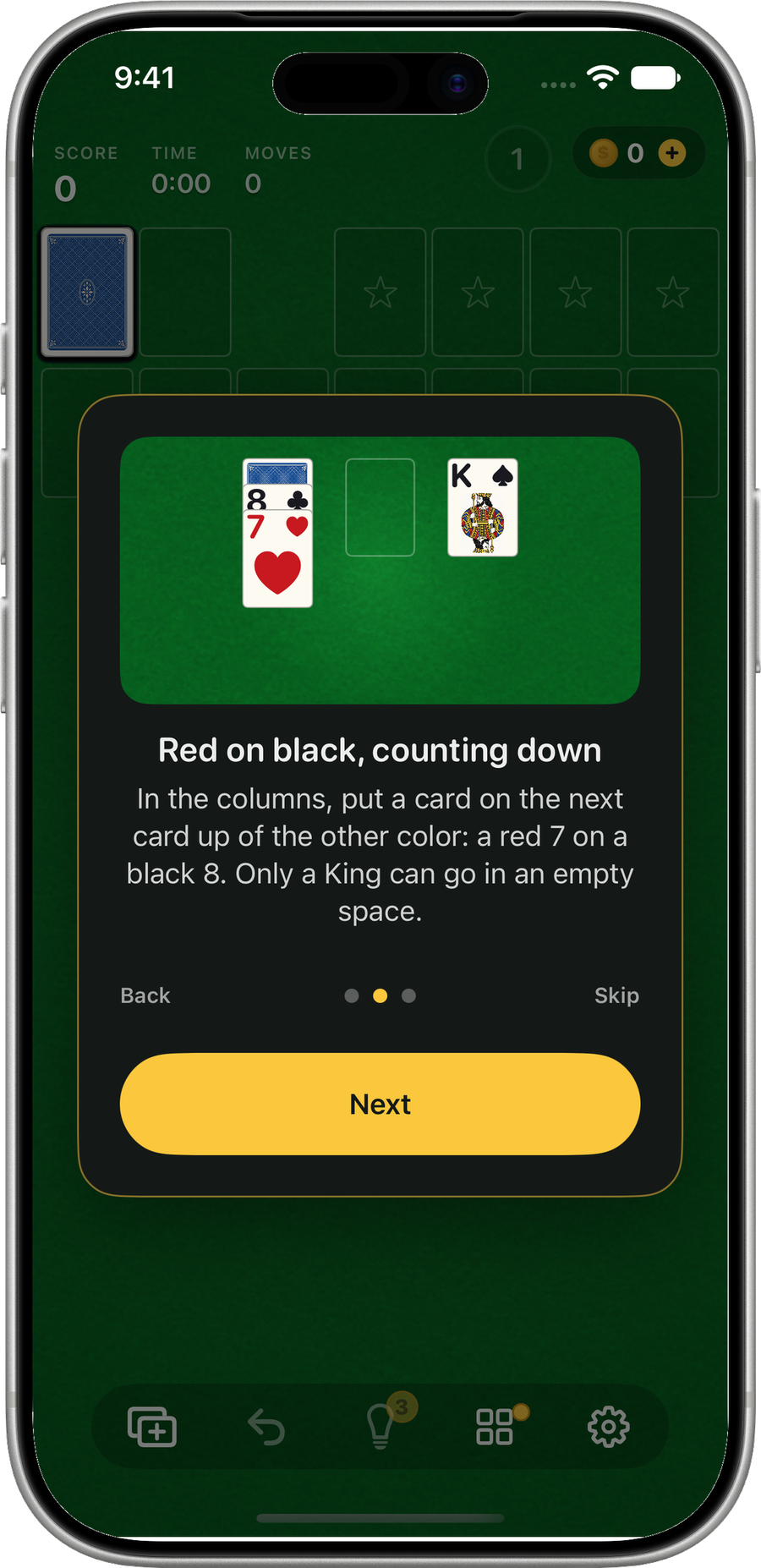
Page 2 of 3
Red on black, counting down
In the columns, put a card on the next card up of the other color: a red 7 on a black 8. Only a King can go in an empty space.
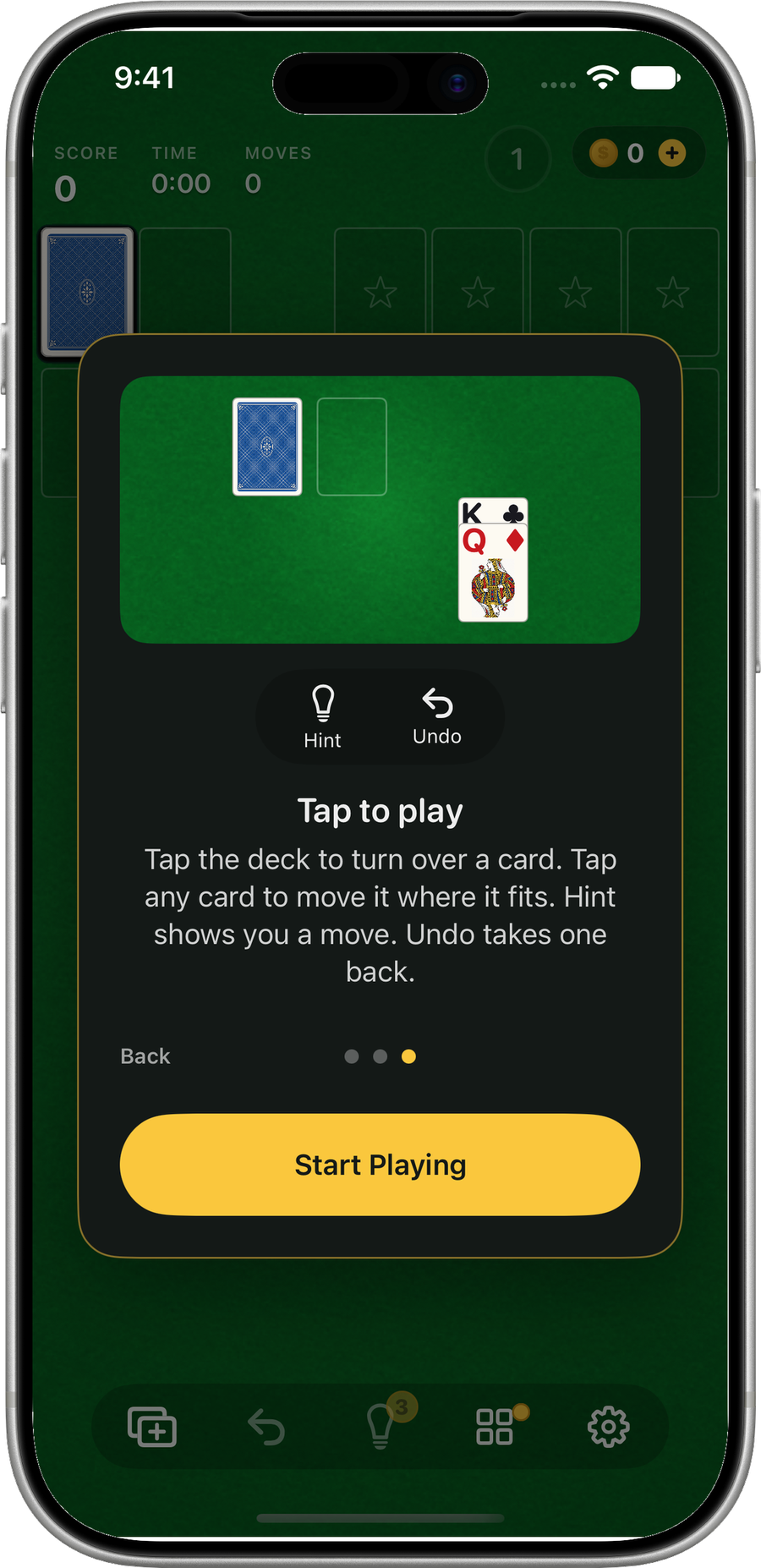
Page 3 of 3
Tap to play
Tap the deck to turn over a card. Tap any card to move it where it fits. Hint shows you a move. Undo takes one back.
If you chose Three cards, this page reads: “Tap the deck to turn over three cards. Only the top one can be played. Tap any card to move it where it fits. Hint shows you a move. Undo takes one back.”
More help
You can switch between One card and Three cards, and turn Big cards on or off, in Settings. Scoring, the Daily Deal, Endgames and everything else are on the support page.